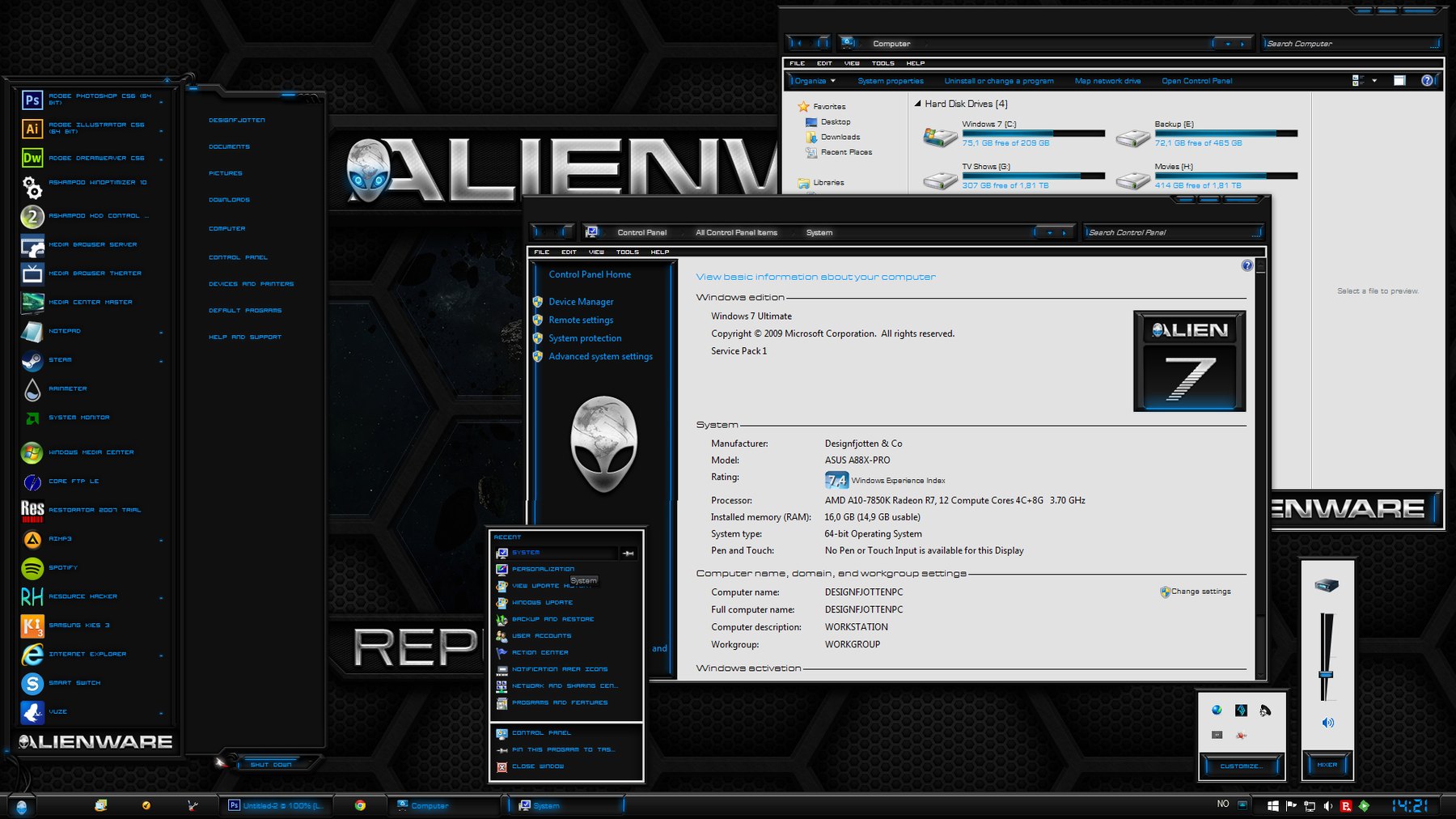
Blue edition
Alienware HQ BLUE
The blue edition of the Windows 7 customization series.


 By Designfjotten
Designfjotten · Creative history
A look back at years of digital design, Windows customization and creative experimentation — featuring original work from the Designfjotten collection.
Designfjotten began as a personal creative outlet: a place to experiment with graphics, wallpapers and the look and feel of the Windows desktop. Over time, that interest grew into complete visual customization projects — bringing together themes, sounds, cursors, logon screens, Rainmeter layouts and matching application skins. This archive brings some of that work together again.
From wallpapers to complete digital experiences.
It all started roughly 25 years ago, back in my school days. I was already spending time creating wallpapers and experimenting with digital graphics, and somewhere along the way I picked up the nickname Designfjotten – a name that eventually became my creative identity.
What started as a hobby gradually grew into a passion for digital design, visual customization and creating things that stood out from the crowd.
Over the years, I spent countless hours experimenting with graphics, desktop customization, wallpapers and different ways of transforming the Windows experience. I wasn't just interested in making things look good; I wanted to create complete visual experiences where every little detail belonged together.
After years of creating wallpapers and graphics, I started developing and publishing more ambitious Windows customization projects.
In 2012, I released Re-Digetized, the first project that really took off and introduced my work to a much wider audience.
That was just the beginning.
I went on to create several extensive customization projects, including the Alienware RED, GREEN and BLUE series, followed by the 2.0 and HQ editions, as well as Designfjotten HQ.
These weren't simply wallpaper collections. They were carefully assembled desktop experiences, combining custom graphics, wallpapers, cursors, sounds, branding, splash screens and various desktop customization tools.
Projects also incorporated applications and customization elements such as Rainmeter, AIMP3 and RocketDock, bringing together different parts of the Windows desktop into a consistent visual style.
Alongside the releases, I also created tutorials and guides, helping others customize their systems, work with system resources, patch Windows, customize Windows Media Player and explore features that weren't always obvious to the average user.
For me, the creative process has always been about experimenting, learning and pushing things a little further.
I enjoyed exploring what was possible, combining different technologies and finding ways to turn an idea into something people could actually use and enjoy.
The community response was a big part of that journey. Seeing people download, use and appreciate something I had spent so much time creating was incredibly rewarding.
My work found an audience through platforms such as DeviantArt, where my published projects and their reception became an important part of the Designfjotten story.
Although my activity and focus have changed over the years, the creative side has never really disappeared.
Today, I still enjoy working with digital design, 3D modelling and other creative projects. I may not release Windows customization packages at the same pace as I once did, but the curiosity and passion that started it all are still there.
Designfjotten has evolved alongside me. The tools, technologies and projects may have changed, but the underlying idea remains the same:
Create something different. Pay attention to the details. And never stop experimenting.
Welcome to Designfjotten – a place built on years of creativity, experimentation and a genuine passion for digital design.
One visual concept, explored through three colour editions.
The Alienware HQ projects were built around a consistent futuristic style. The BLUE, GREEN and RED editions carried their colour identity across the Windows desktop and companion customizations, rather than treating each element as a separate design.
The blue edition of the Windows 7 customization series.
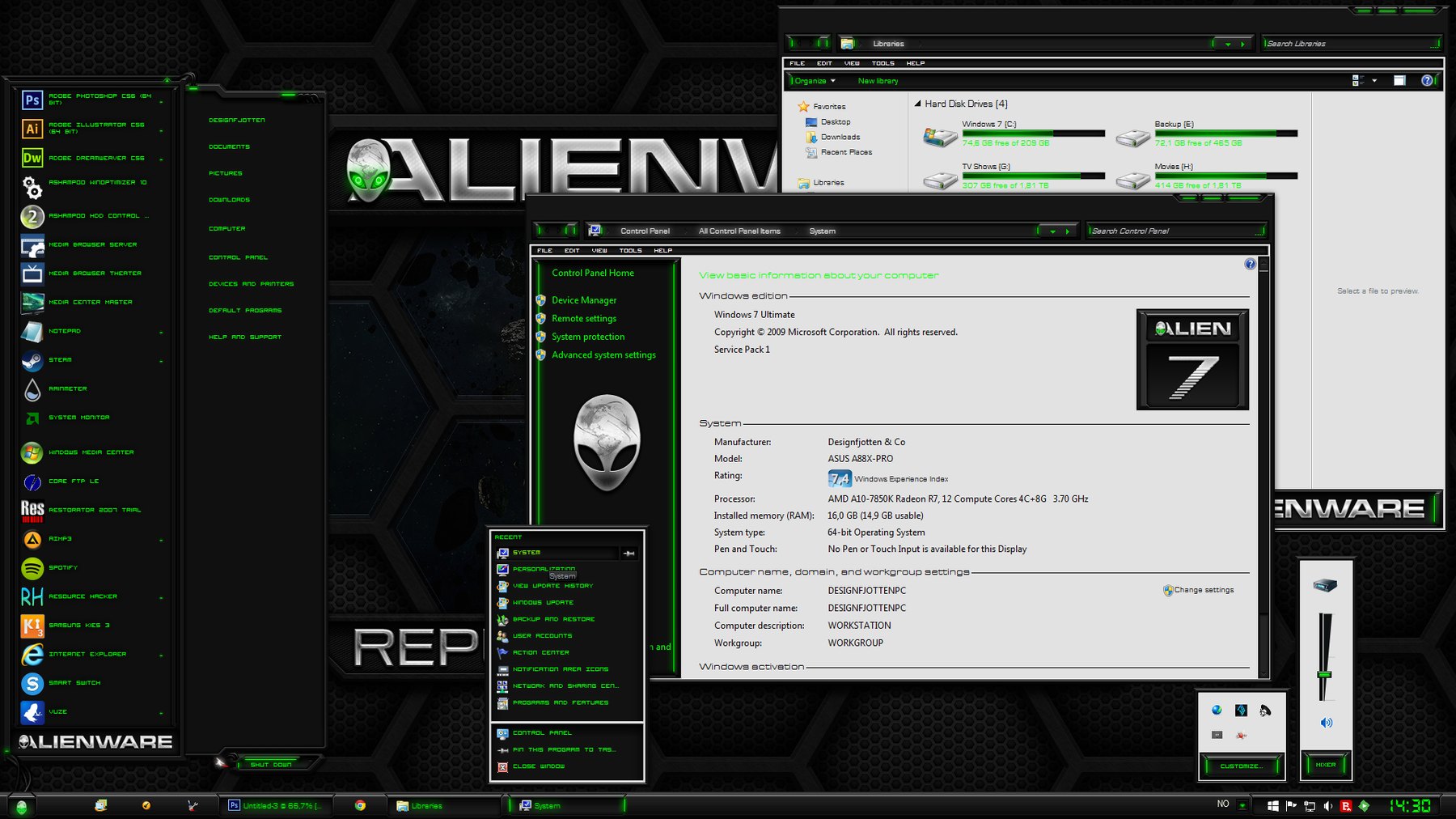
A green variation, sharing the same overall visual direction.
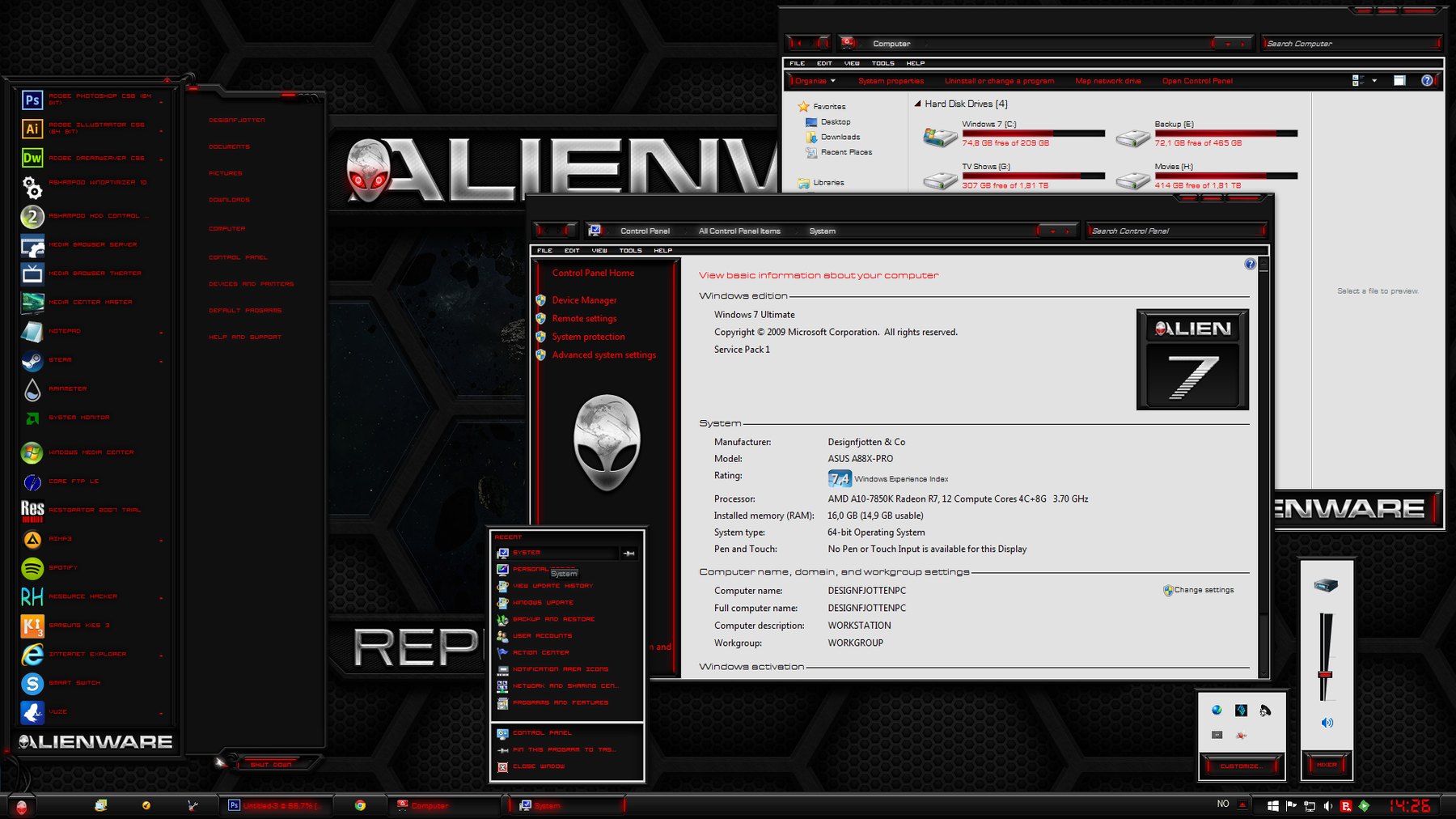
The red edition completes the three-colour collection.
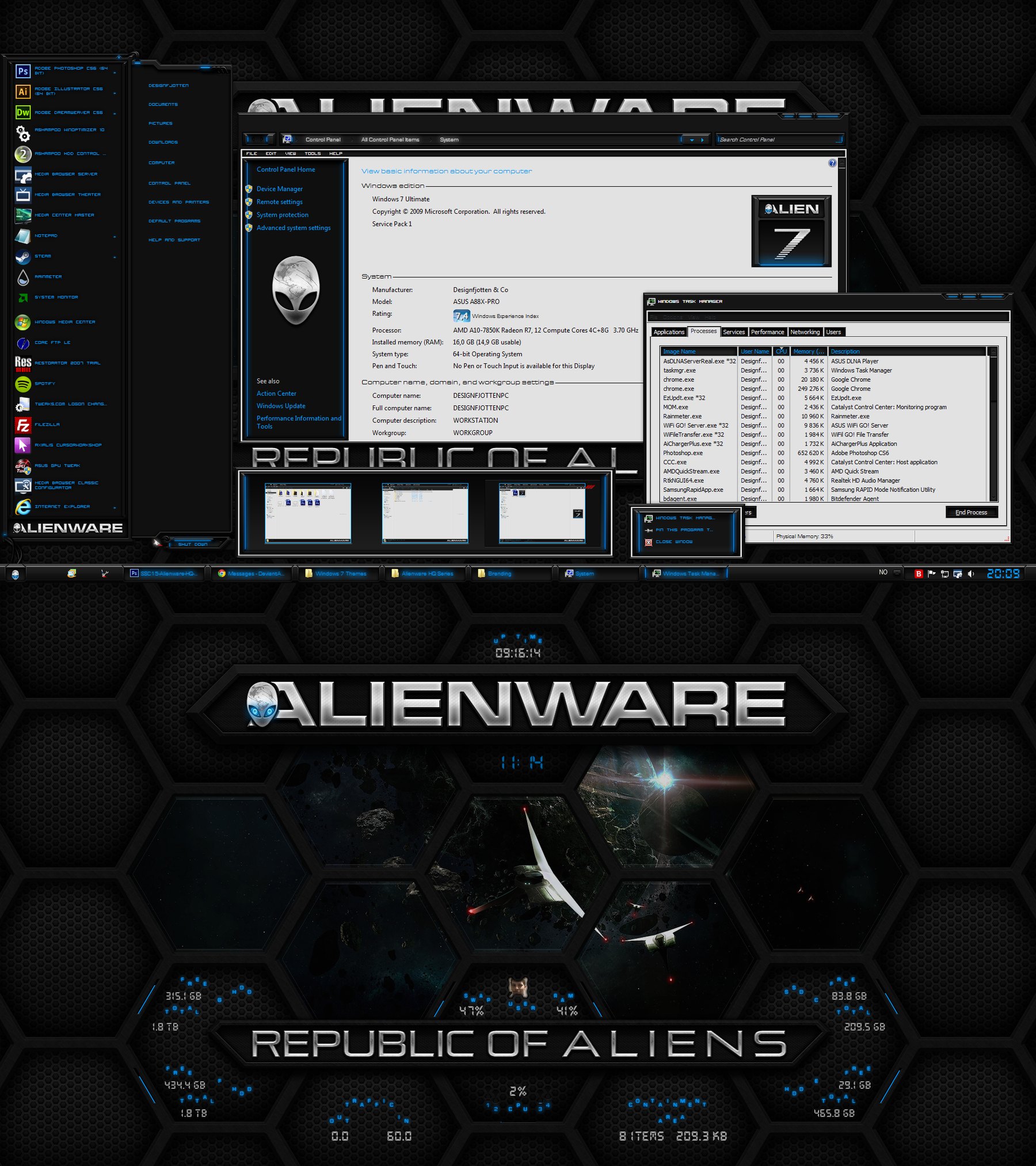
The collection extended beyond the desktop wallpaper. Matching elements helped create a more unified Windows environment, with the same visual language carried through different parts of the system.
Continuing the colour themes beyond the Windows desktop.
The three AIMP3 skins carried the BLUE, GREEN and RED designs into the music player, keeping the look consistent across the desktop.
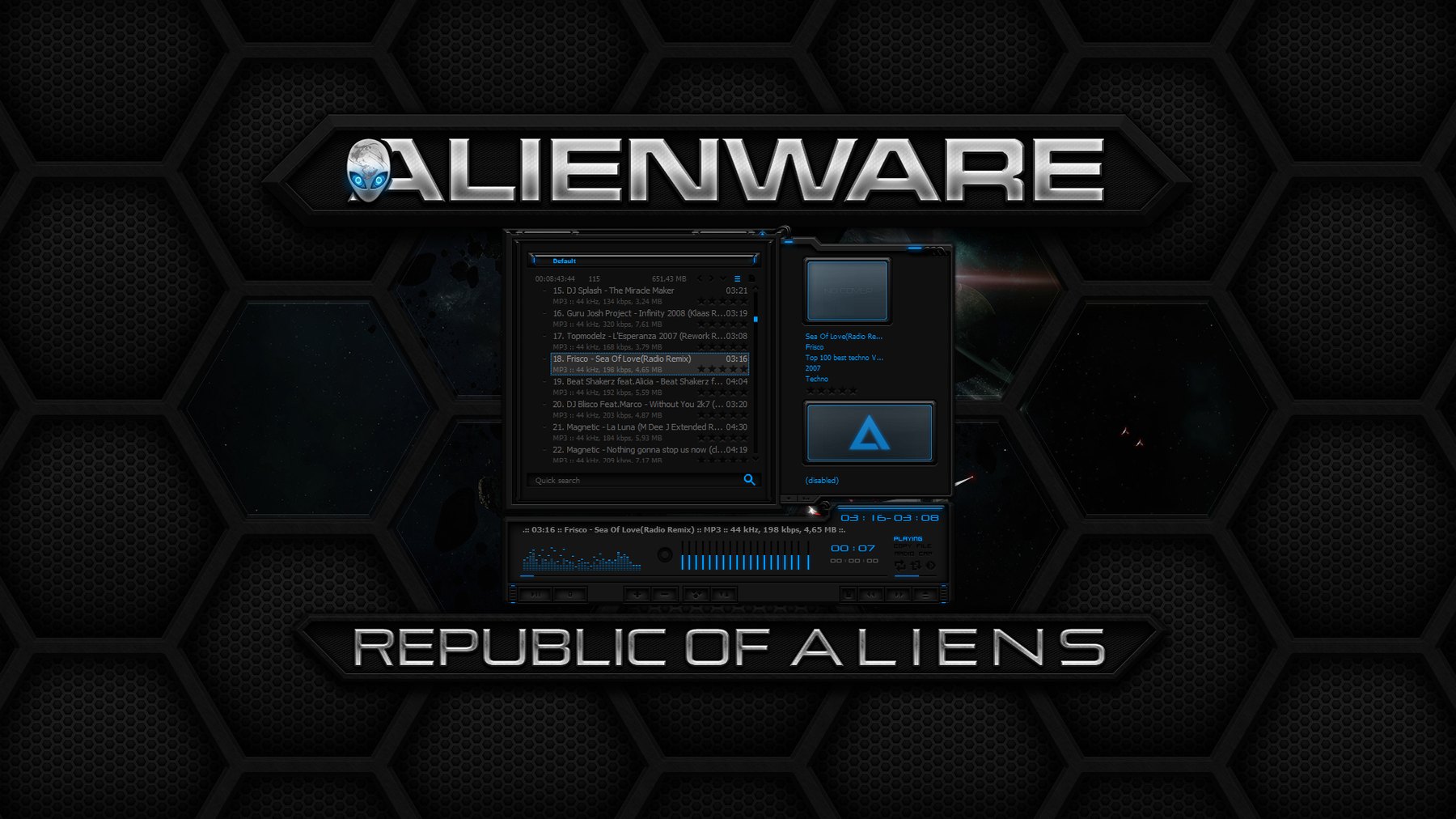
Matching blue music-player skin.
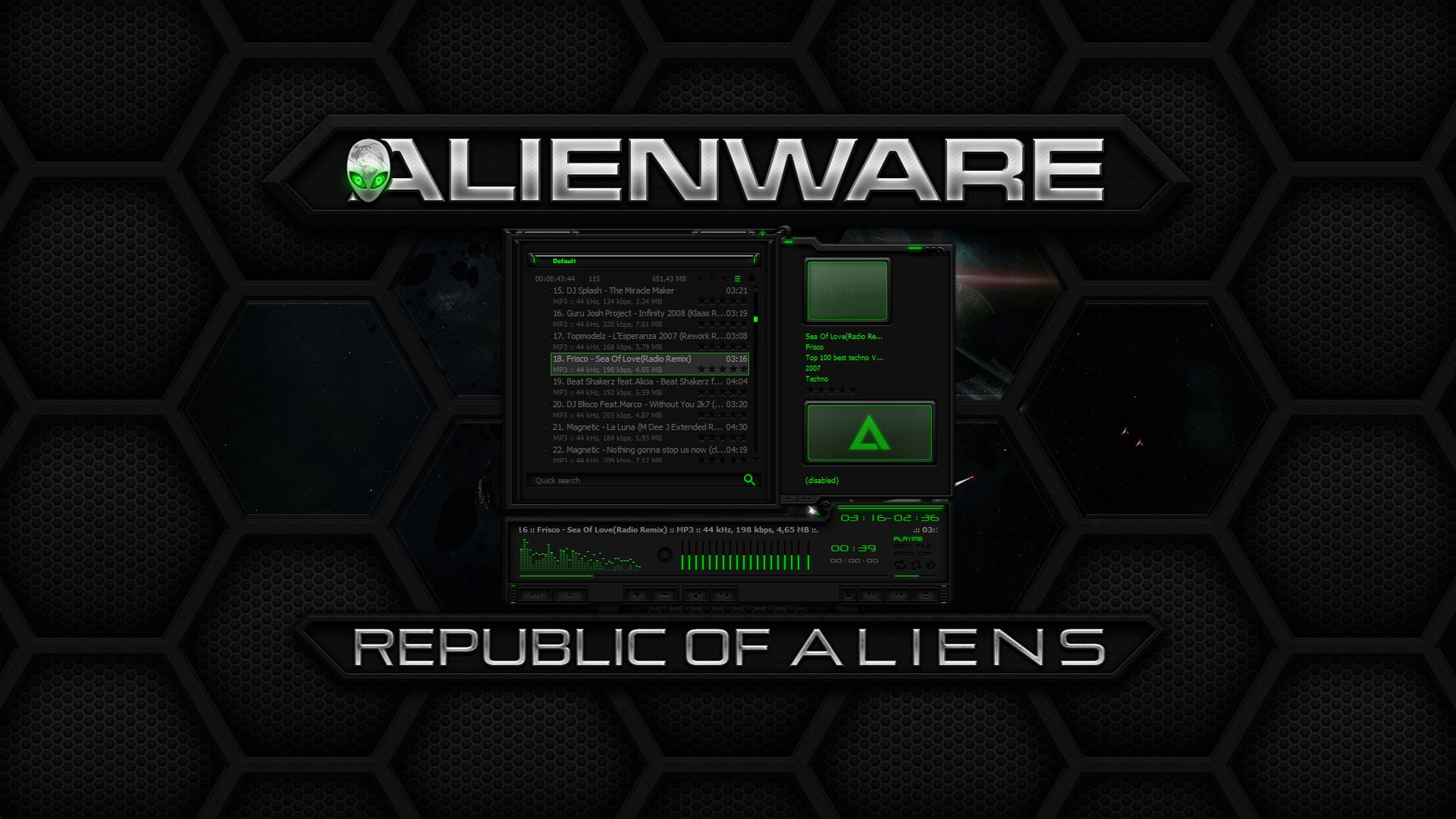
Matching green music-player skin.
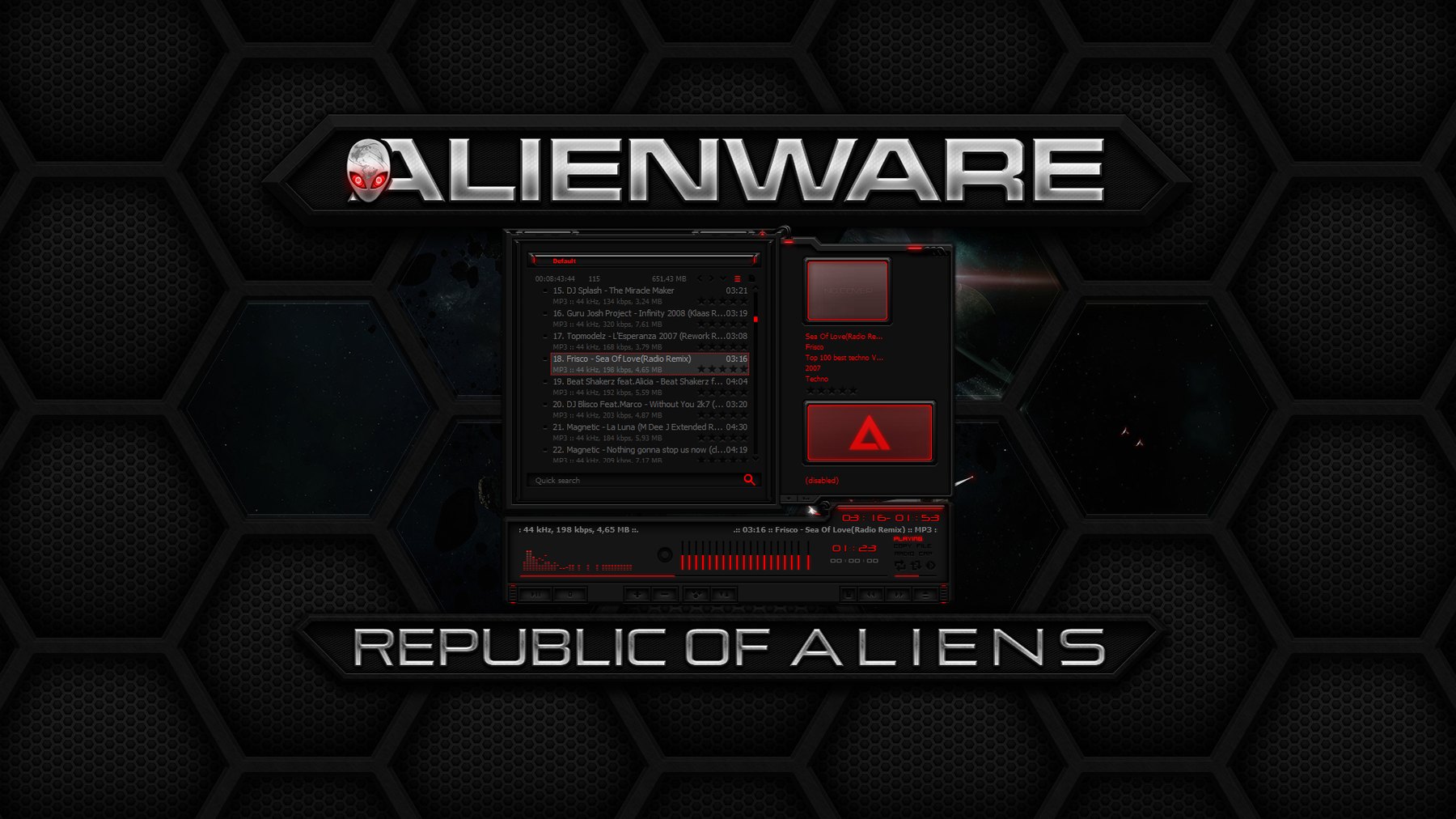
Matching red music-player skin.
Adding information, widgets and personality to the desktop.
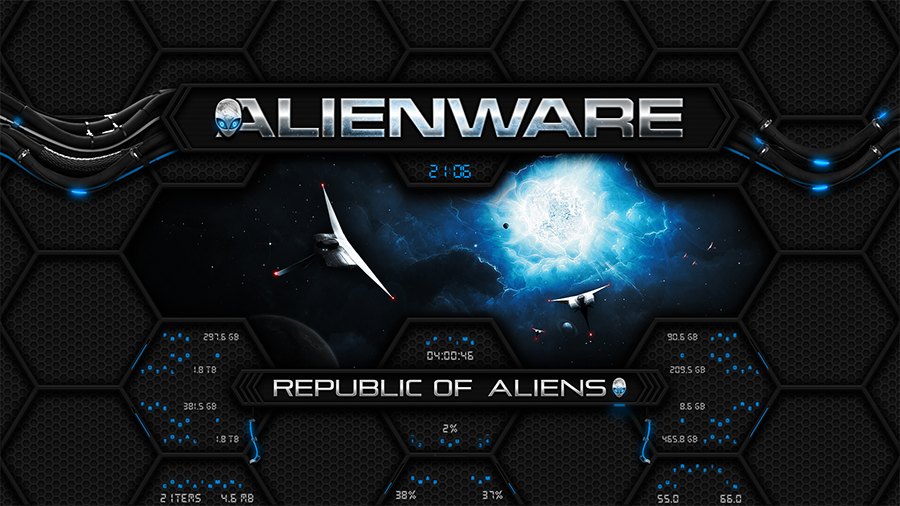
A Rainmeter skin preview from the BLUE 2.0 material.
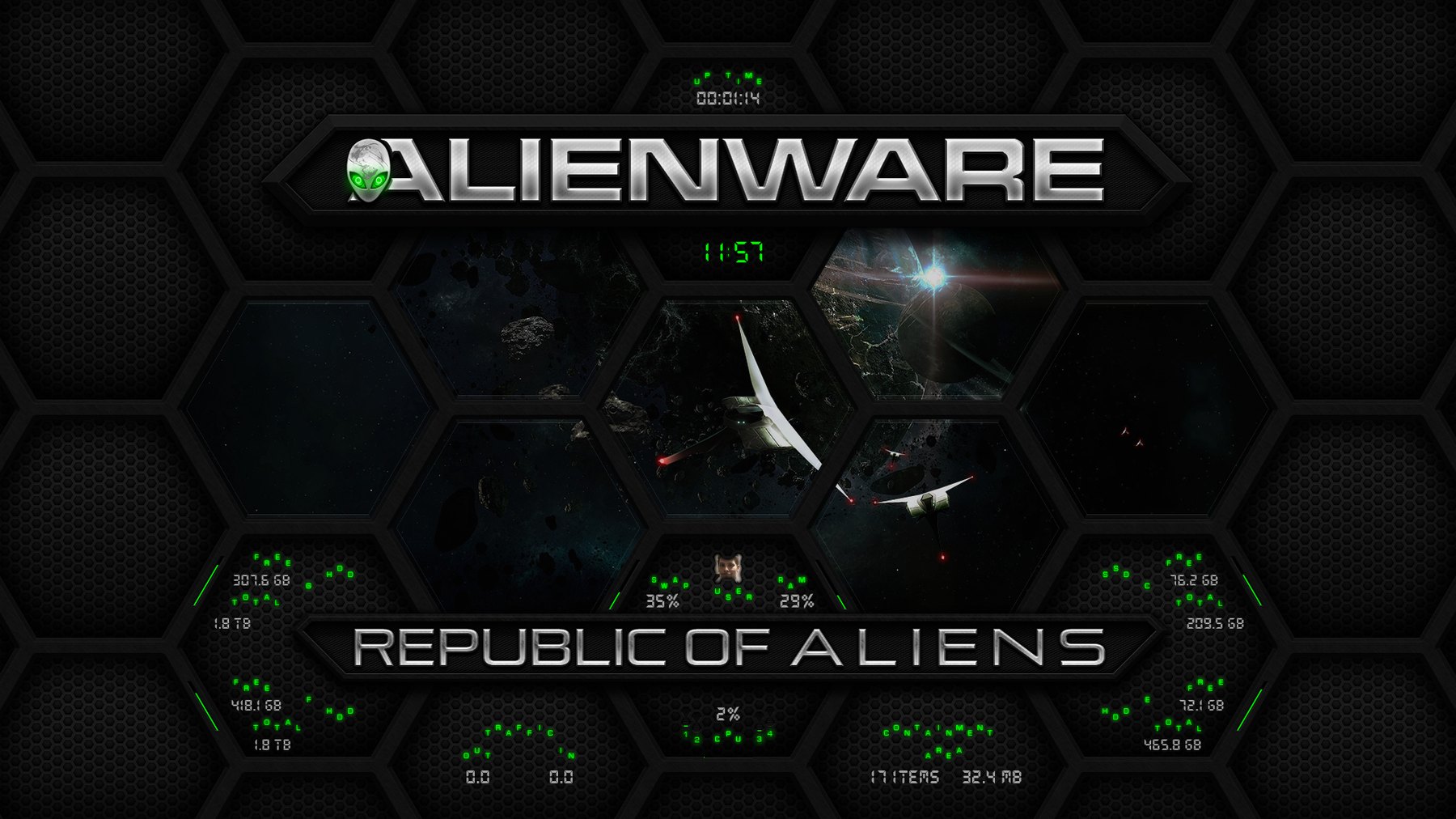
A matching Rainmeter design for the green edition.
Custom artwork welcoming you into the desktop.
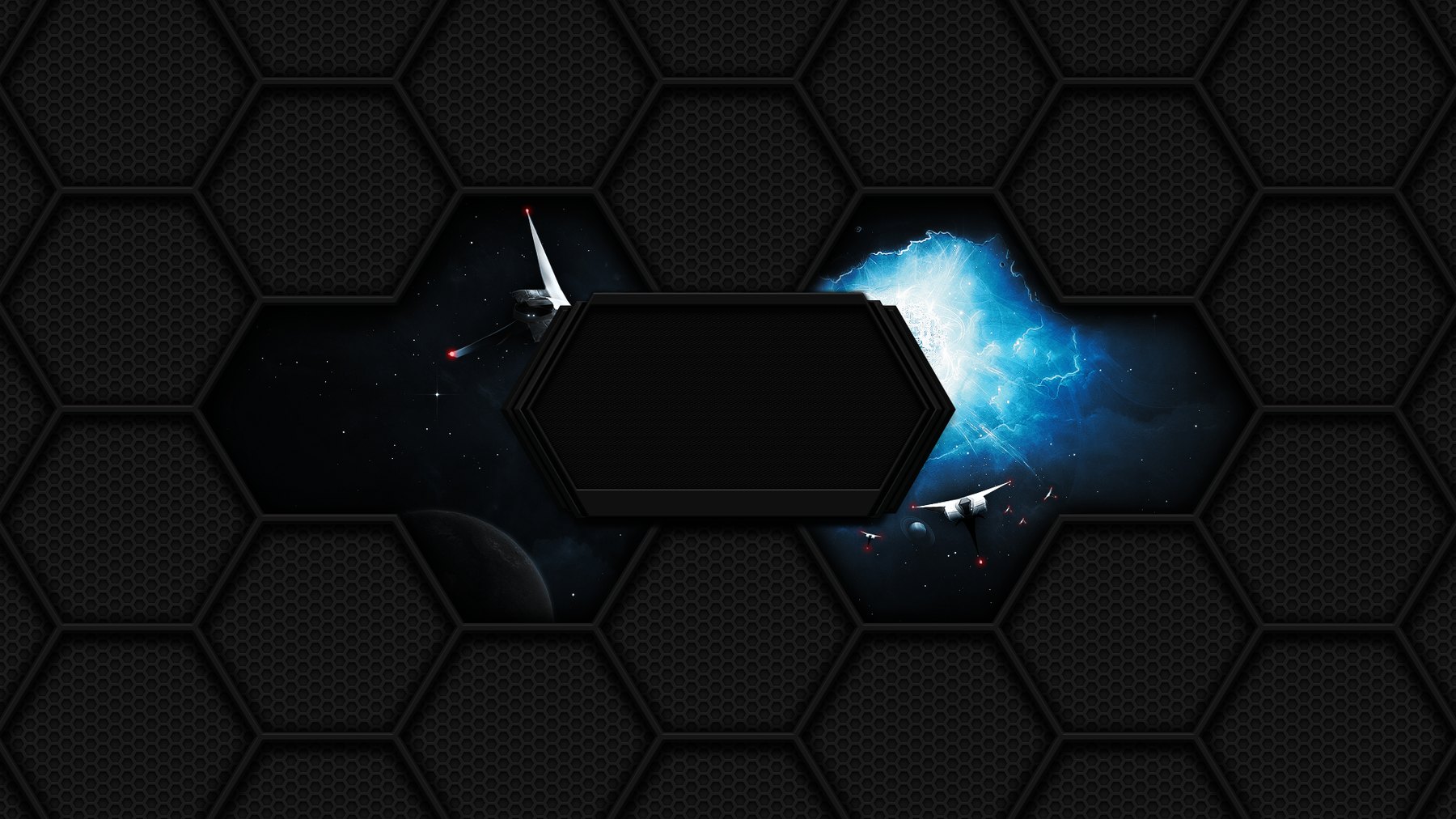
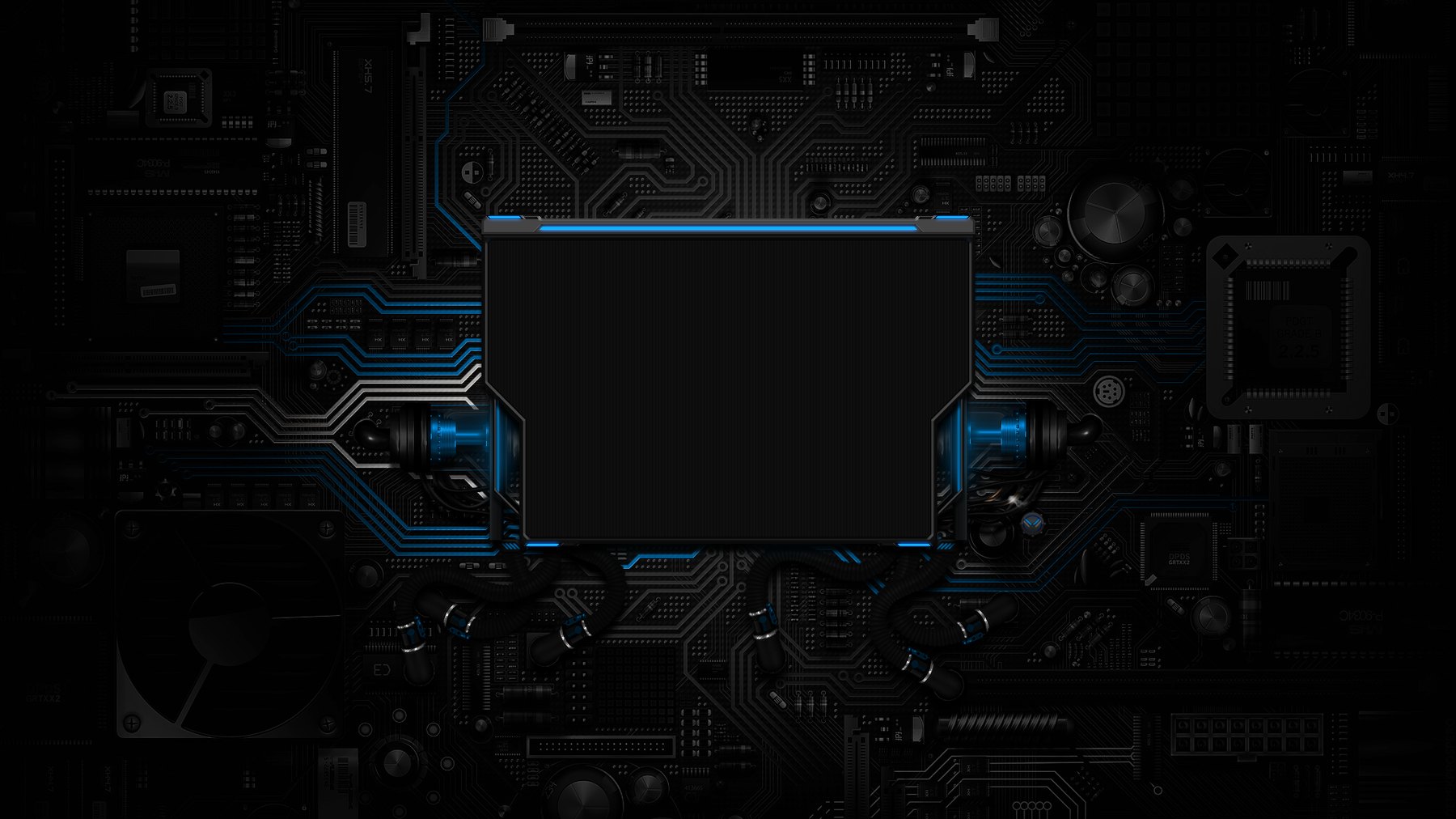
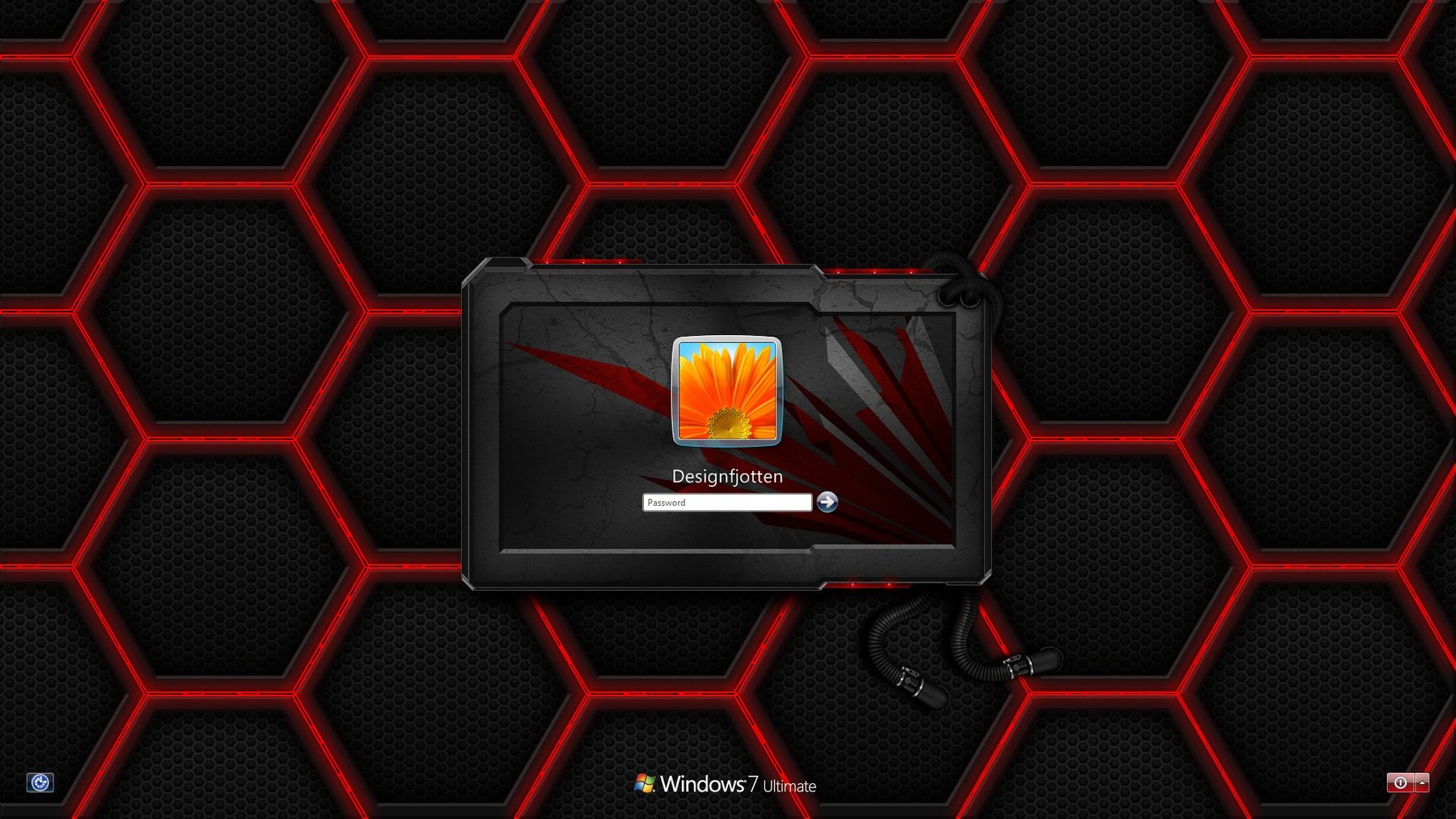
A reminder of an earlier chapter in the Designfjotten story.
Digital artwork created outside the theme collections.
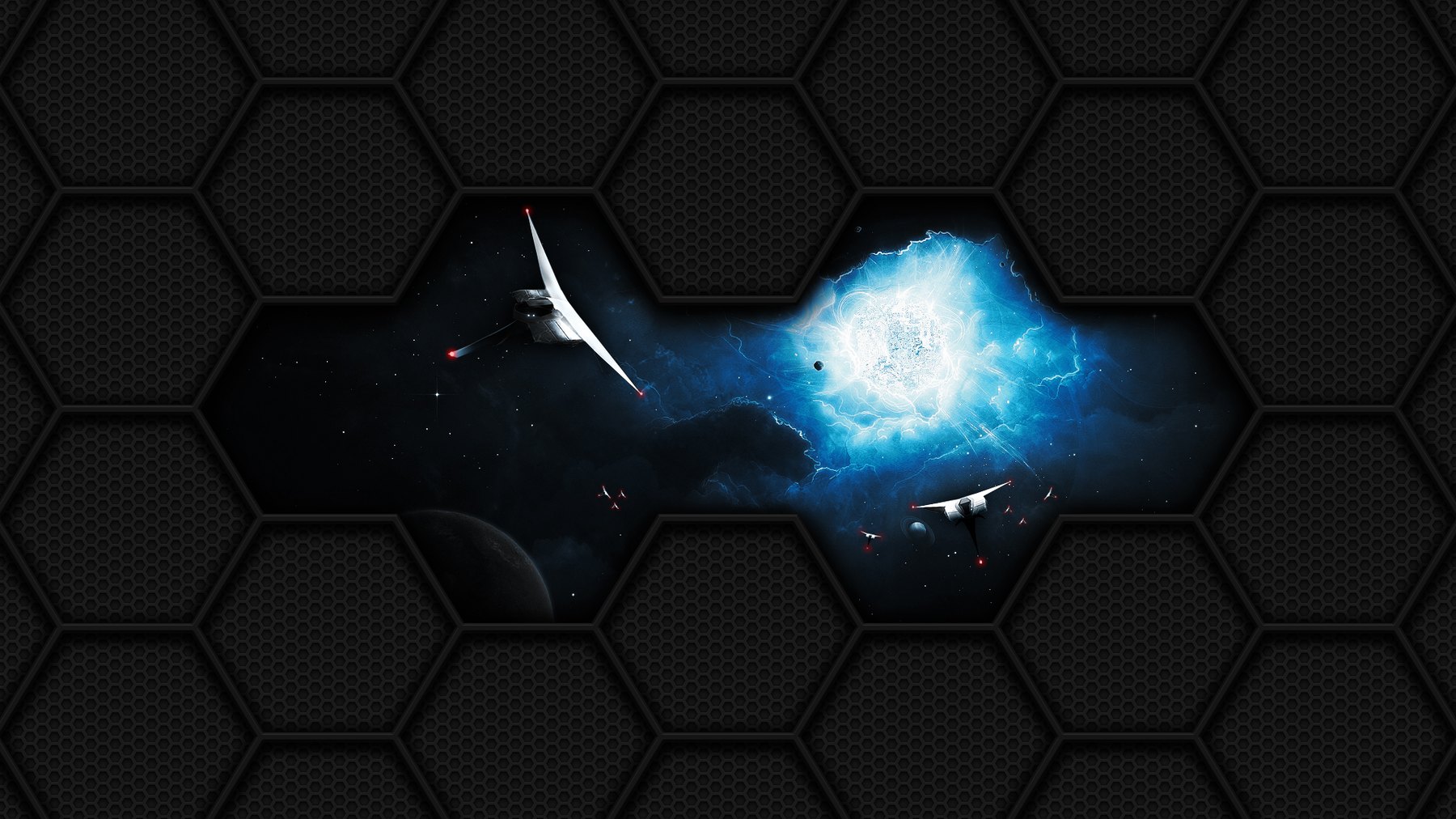
Original standalone wallpaper artwork.
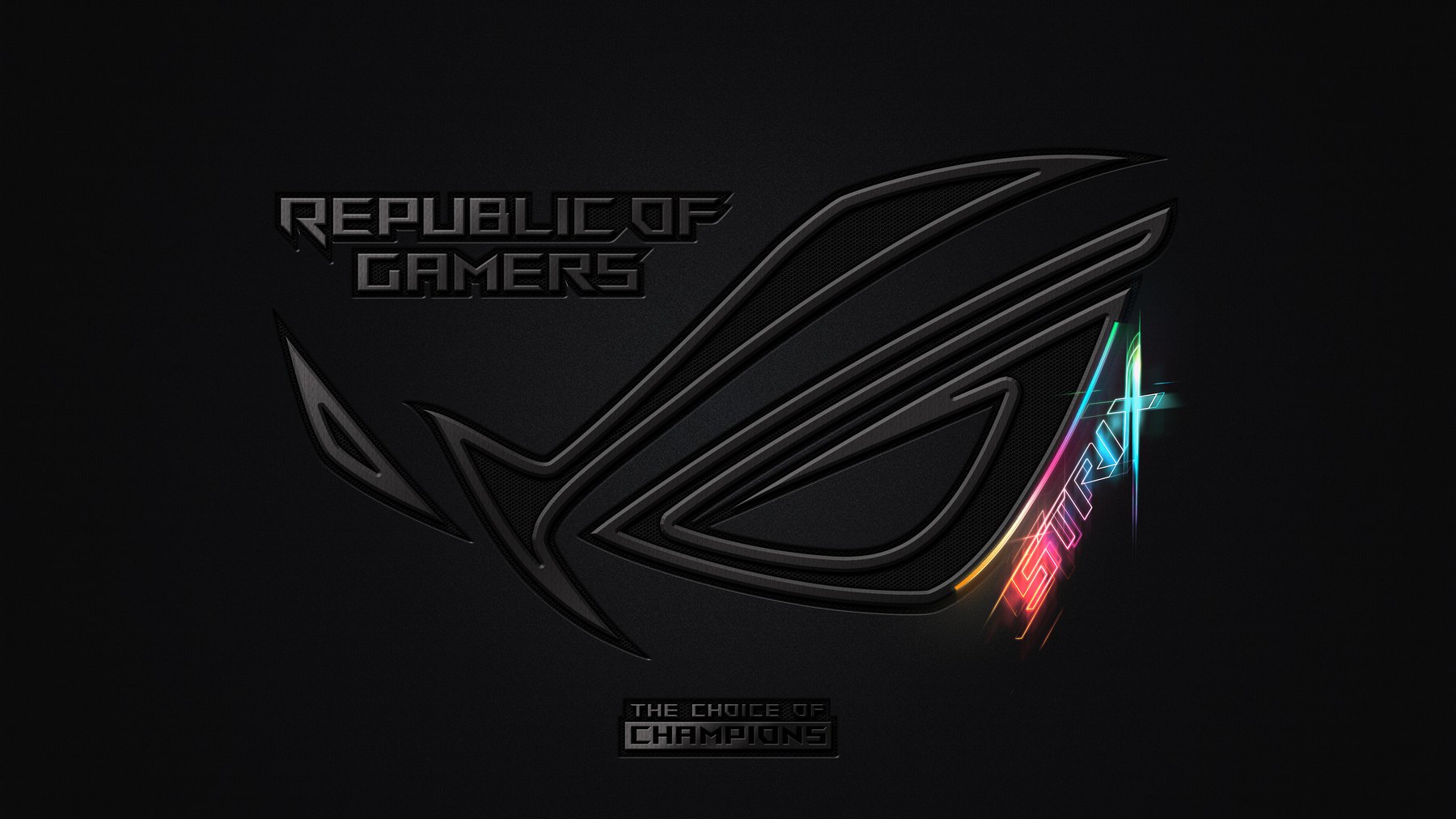
A separate 4K wallpaper design.
From early graphics to complete desktop experiences.
Creating wallpapers, experimenting with digital graphics and discovering the possibilities of desktop customization.
A project that became an important milestone and helped bring the Designfjotten name to a wider audience. The archive includes an original Re-Digetized logon-screen preview.
Developing coordinated BLUE, GREEN and RED editions, with matching Windows themes, application skins, Rainmeter elements and logon screens.
The tools and projects may change, but the curiosity behind them remains: learning, experimenting and making things with attention to detail.
A note about this archive: This is a selection of surviving original material. Some project dates and release details are not yet confirmed, so they have deliberately been left out rather than guessed.
If you would like to use any of the projects featured in this archive, head over to the Downloads section, where available releases and files can be found.
Visit the Downloads section


