

- Details
- Category: Tips & Tutorials
-
By Designfjotten
- Hits: 2178

Have you been wondering how you can change thedefault background and how to add a custom background.
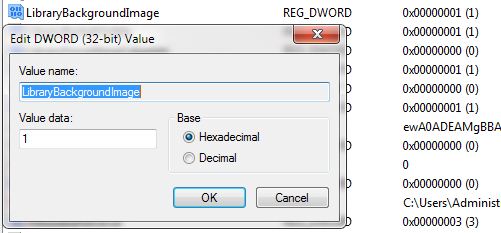
Dont you worry this tutorial will show you how to change the default background and how to add a custom background in Windows Media Player that is shown in Library mode. All you need is a program called Restorator to do this modification/hack.
You can download a free 30-day trial, or you can do as i did and buy it, and supporting the company for further development.
- Details
- Category: Tips & Tutorials
-
- Hits: 6403
How to Add “Take Ownership” Option in Files and Folders Context Menu in Windows
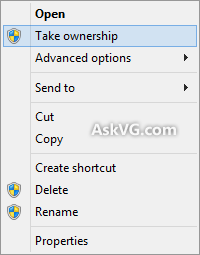
Many times you need to take ownership of a file or folder in Windows. For example, when you want to customize Windows UI and need to replace existing system files with a new one. You have to follow no. of steps to take ownership and grant yourself full permission to access the file or folder.
But now you can do it in a single step. You just need to download following zip file and extract it. You'll get a .REG file. Run the file and accept the confirmation. It will add an extra option "Take ownership" in file and folder context menu like in the image you can se on the right.
- Details
- Category: Tips & Tutorials
-
- Hits: 2551
This tutorial has been tested in Windows 7 but it should also work in Windows Vista and Windows 8.
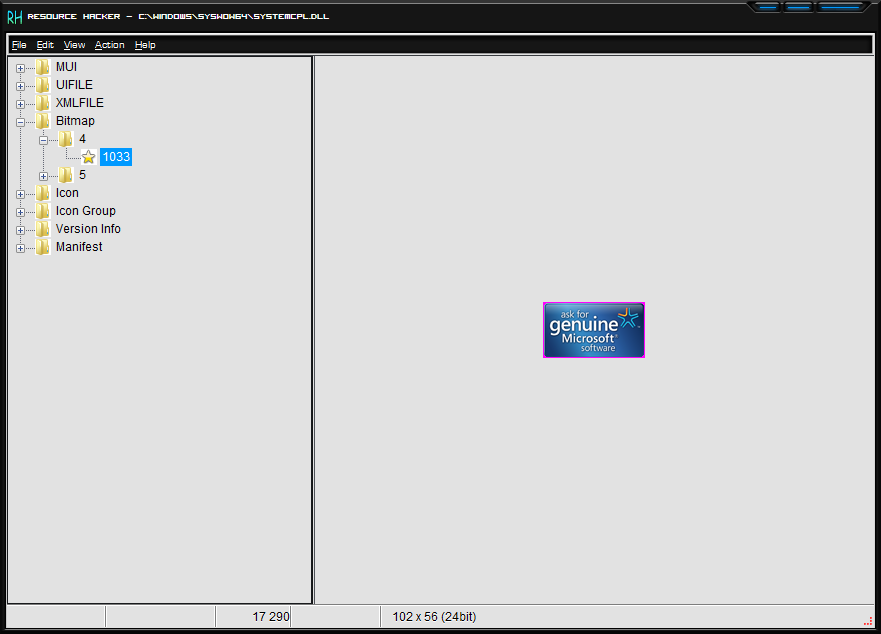
So without wasting time, lets start the tutorial: 1. The system file which contains System Properties UI resources in Windows 7 is "systemcpl.dll" present in "%windir%\System32\" folder. Here %windir% represents "Windows" directory which can be found in the system drive where Windows is installed. In most of the cases its C:\Windows.
- Details
- Category: Tips & Tutorials
-
- Hits: 3248
What Is Rainmeter? And what is it used for?
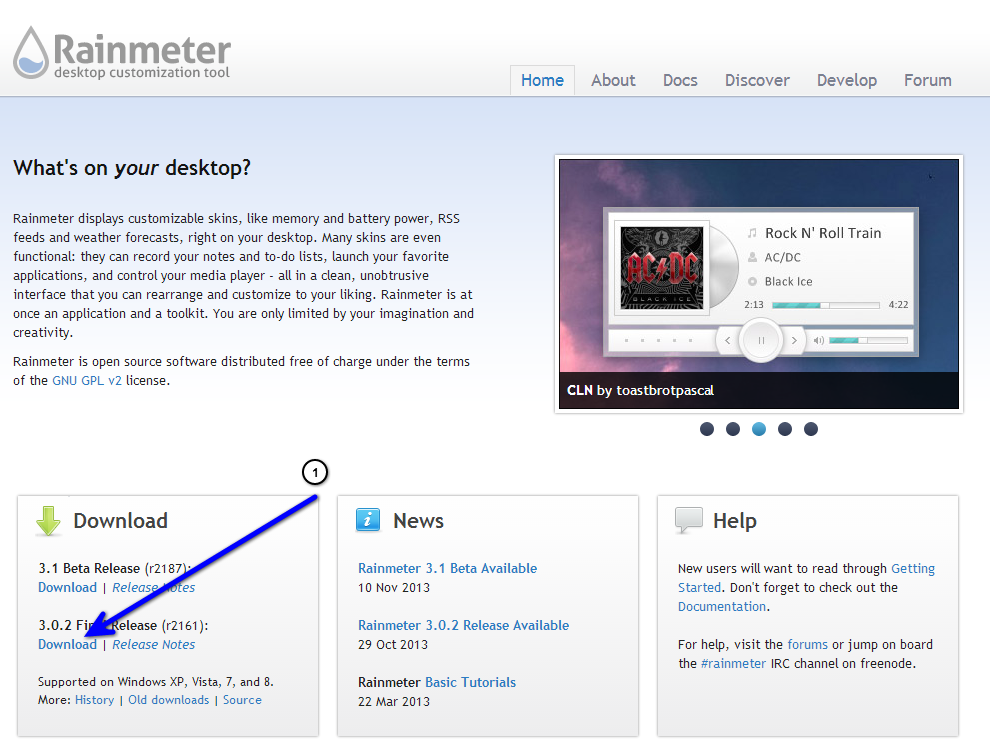
You probably have a background image you love, and a few icons, but have you ever thought about adding something…else? Like a clock, or the weather? What about your upcoming calendar appointments? Rainmeter is a wildly popular program that uses your desktop as a veritable canvas – a canvas for everything from custom icons, widgets and visual controls for media players. It’s easy to use, offers a lot of value and is supported by a large community. All you have to do to get Rainmeter is go to the official website and download the latest stable release.
- Details
- Category: Tips & Tutorials
-
- Hits: 2964
What Is RocketDock? RocketDock is a tiny application that launches your programs, and is similar to the dock that comes with Mac OS X.
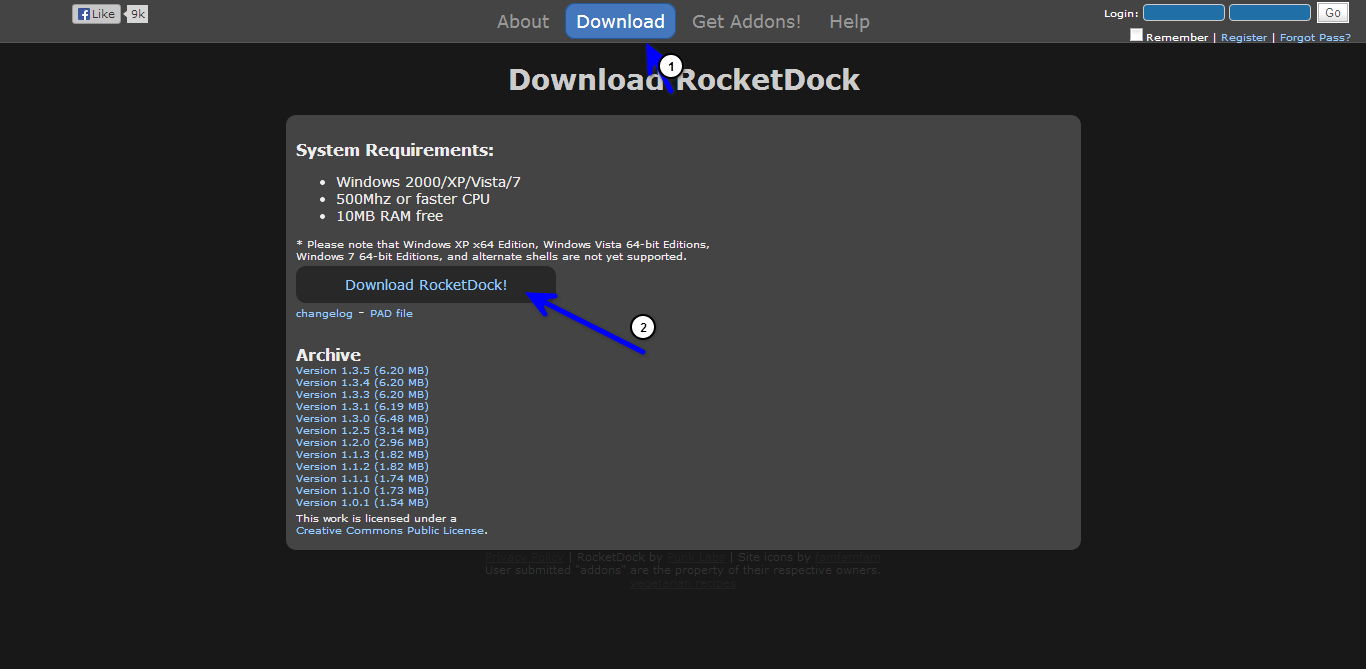
There are even OSX skins available for the program, but I’m getting ahead of myself. The most important thing to consider here is the fact that you may not even need RocketDock to begin with! The reason I say this is because Rainmeter (which I’ve covered extensively throughout my last tutorial ) has a lot of functionality overlap with RocketDock. That said, RocketDock does offer a more extensive range of tools that could complement your setup. It’ll be up to you to decide what you need.
Page 1 of 2
